
Canva Craft Learned From Templates, Not Photos. That's Why It Plans Before It Draws
Canva's first in-house image model learned from millions of design templates and plans the layout before it draws, so the image can become a design you keep editing. Here is what that means and what Canva hasn't proven yet.
Canva released Canva Craft on October 22, and it is the first image generation model that Canva's own research team has built. So when I first read about it, I honestly wondered why Canva would even bother. Google, OpenAI, ByteDance and Meta all have image models already, and Canva itself has been relying on models from other companies for some time now, so one more model that takes a prompt and gives you a picture didn't sound like much of a story.
What changed my mind was the training data, and what Canva expects the image to become once it has been generated. According to TechCrunch's report, Craft learned from designs instead of photographs. Basically, these are the templates people made by hand for Canva's own library, so things like posters, menus, presentations, social posts, infographics and layouts that are heavy on typography. The idea is that the picture you get should turn into a design you can carry on working with, and to me that sounds like a different job from the one most image models are trained for.
What Canva Craft actually is
If you use Canva, you can already try Craft, because it is available to every user in the Dream Lab tab, which is the part of Canva where you type a prompt and get an image back. Canva says Craft can go up to 2K resolution and supports more than 30 aspect ratios. So for example the same idea can come out as a poster, a presentation slide or an Instagram post, and you don't have to crop a picture that was made for some other shape.
TestingCatalog's coverage adds a few more details. There is also a custom ratio option, the text Craft generates works in 55 languages, and developers can reach Craft through Canva's public API.
Then there are the parts that are still only planned. Canva's plan is for people to use Craft from chatbots such as ChatGPT and Gemini, through Canva's MCP. Basically, MCP gives AI assistants one shared way of using tools that live outside them, but this connection isn't live yet. Canva is also working on two quicker and cheaper versions, called Craft-fast and Craft-ultrafast, and there is no release date for either of them so far.
Why it plans before it draws
I think the two-stage design is the part that explains the rest of this launch. In the first stage, Craft reads the prompt and works out a plan: where every element goes, how big each one is next to the others, what the eye should land on first, and which text belongs in which spot. Only in the second stage does it actually generate the image, using that plan.
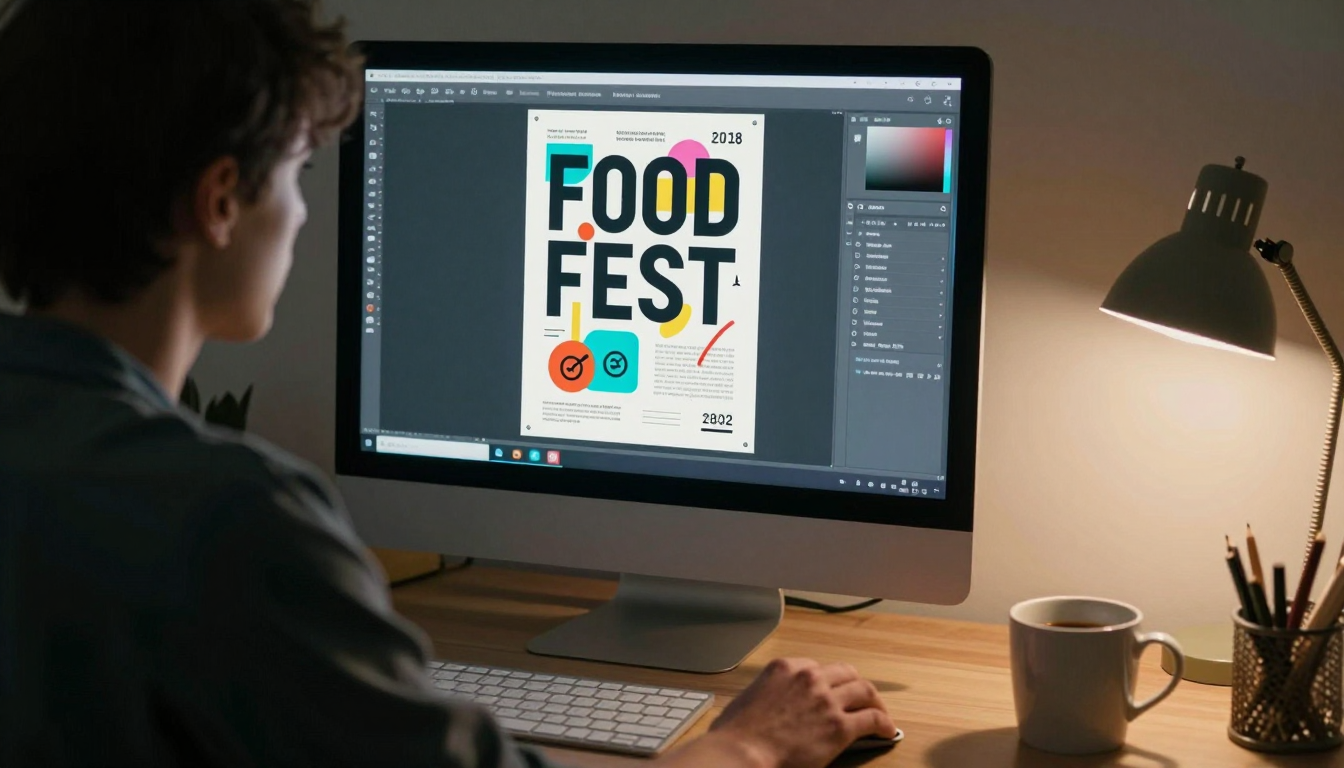
So why would a plan make any difference? Let's take a poster for a weekend food festival and think about how a designer would make it. They wouldn't start by painting pixels. First they would decide that the festival name sits at the top in big letters, with the date and venue underneath in smaller text. Maybe a food photo takes the middle, and the sponsor logos run along the bottom. Then, once that structure is fixed, they fill in each part.
A lot of image models try to handle all of that in one single step. I think that is one reason why text inside AI images has looked messy for so long, because you get words that are spelled wrong and letters that sort of melt into the background.
So Canva's argument is that a model which knows the structure before it starts drawing should give you readable text, and every part should stay in its place. Canva also says you can edit one part precisely and leave the rest of the image alone. I can see why that would work, since the model planned those parts in the first place.
Why templates instead of photos
What a model is trained on decides what it thinks a good image looks like. If a model mostly learns from photographs, it learns to get lighting, skin, texture and depth right, which is exactly what you want for a portrait or a mountain view. But a poster is a different thing from a photograph. It is basically a layout, with a hierarchy of text, spacing and margins and a few visual elements, all laid out so a person can take it in within two seconds.
And this is where Canva has an advantage that most AI labs don't, because it sits on an enormous pile of templates that real people built on purpose as designs. TestingCatalog reports that Canva used millions of these templates to train Craft, and its professional designers then gave feedback that was used to fine-tune it.
So if what you want is a slide, a menu or a social post, it seems reasonable to me that a model which grew up on menus, slides and social posts would handle those better than one that mostly saw photos. I keep saying "I think" here because the TechCrunch article doesn't show any benchmarks, and it doesn't compare Craft head to head with the other big models. For now this is Canva's argument, and nobody outside Canva has tested it.
From a flat picture to layers you can edit
This section tells me the most about what Canva is really going for. TechCrunch says Craft images can be turned into layered designs using Canva Magic, a tool TechCrunch calls an image-to-design transformer.
Normally, generating an image gives you one flat picture. So if the headline has a wrong word, or you want to nudge the logo a little to the left, you end up regenerating the full image and crossing your fingers that the good parts survive.
With layers, the headline turns into real text you can type over, while each shape and picture becomes its own piece you can drag somewhere else. Basically the image turns into a normal Canva design. For example, say a small café owner makes a weekly menu. They could generate the first version once and then just change the prices every week, instead of writing a new prompt again and again.
I think this is also the reason Craft was trained on templates. A template is already built out of layers, so if the model learned from templates and also lays things out before drawing, it should give Magic a far tidier image to break into layers. According to TestingCatalog, Magic Layers gets help here from something Canva calls JSON boundary boxing. As far as I understand it, the model records a box around every element, so the conversion step already knows the edges and doesn't need to work them out.
Why Canva wanted its own model
There is a business side to this too. Back in 2024 Canva acquired Leonardo.ai, and according to Canva, some of Leonardo's researchers were part of the Craft team. Right now Canva pays for a number of image models from other companies, and TechCrunch thinks a model of its own will probably lower what Canva spends on API calls. That is TechCrunch's reasoning though, and Canva hasn't shared any number for it.
The same TechCrunch article says Canva lowered its 2026 growth forecast, and that outside analysts reportedly believe its valuation went down from $42 billion to $35 billion. I wouldn't lean too hard on those figures. But it makes sense to me that a company in that spot would want control over the part of the product that costs the most to run, so it isn't handing money to another company every time someone types a prompt.
What Canva has not proven yet
Right now, almost all of the information about Craft comes from Canva itself. The readable text, the two-stage plan, the clean edits on one part, the overall quality: these are all things Canva says about its own model. Canva also says Craft entered the DesignArena image leaderboard in fourth place, and that it ranks first there for people and portraits. But that ranking is something Canva is reporting about itself, and nobody else has checked it yet.
So I think it depends on what you actually need. If your work is mostly realistic shots of products or people, I don't think there's a strong reason yet to drop the model you already trust. But if every week you are putting together menus, slides, social posts or posters, and the text keeps breaking and the images won't let you edit anything, then that is exactly the problem Craft is built for.
How I would judge it
The easiest way to judge Craft, I think, is to use Canva's own promise as the test. Generate something with a lot of text in it, for example a poster for an event with the name, the date, the venue and one short line of details, and look at whether each word is spelled right and readable. After that, turn it into layers, change only one thing, say the date, and see if the rest of the design stays exactly as it was.
If Craft passes that most of the time, then I think it really is a different kind of tool from a regular image generator, because what you get back is a first version you keep building on, and you are not stuck choosing between keeping a finished picture or throwing it out. If it fails, then Craft is basically one more image model sitting in Canva, and training on templates did less than Canva claims.
Whichever way it goes, I think Canva is betting on the right thing. Because in design, whatever the model generates is really just the first draft, and most of the work happens in the edits you make after that.